Your phone is the remote for your PC.
TabbyDeck puts a grid of buttons on any phone or tablet on your Wi-Fi. Each one does something on your Windows PC: music, volume, screens, apps, shortcuts, calls, power. No app to install, no account, no cloud.
TabbyDeck apps for Android, iPhone and iPad. Until then, the deck runs in your phone's browser, with nothing to install.
This locks the PC.
Press a key. The PC does it.
Over a hundred things a key can do, and the key shows what is happening on the PC: Mute lights up while you are muted, Volume shows the level, Now playing shows the song.
Start with a deck made for what you do.
Pick one when you first start TabbyDeck. Its app keys open the apps found on your PC, with their own icons; keys for apps you don't have stay hidden until you install them.
Then make it yours in the editor on your PC: drag keys around, resize them, pick icons, colours and a key style. The phone changes the moment you do.
Make the keys look the way you like.
Pick one of six key styles for all your decks, or a different one for each. Then give every key its own colour, icon or picture.
On the Customize page you can also name the cat that lives under your keys, or send it to bed for good.
See how you use your deck.
The Stats page shows your presses for each day, the keys you press most and the apps you spend your time in, for the last 7 or 30 days. It is counted on your PC only, and nothing is sent anywhere.
Presses each day
Keys you press most
- Mute214
- Play167
- Snip118
- VS Code88
Apps you spend time in
- Visual Studio Code14 h
- Microsoft Teams9 h
- Spotify6 h
Badges
- Early birdA key before 7 am
- Night owlA key after 2 am
- Speed run50 presses in a minute
- ZenTwo hours of Do not disturb
The real thing, on a tablet and a phone.
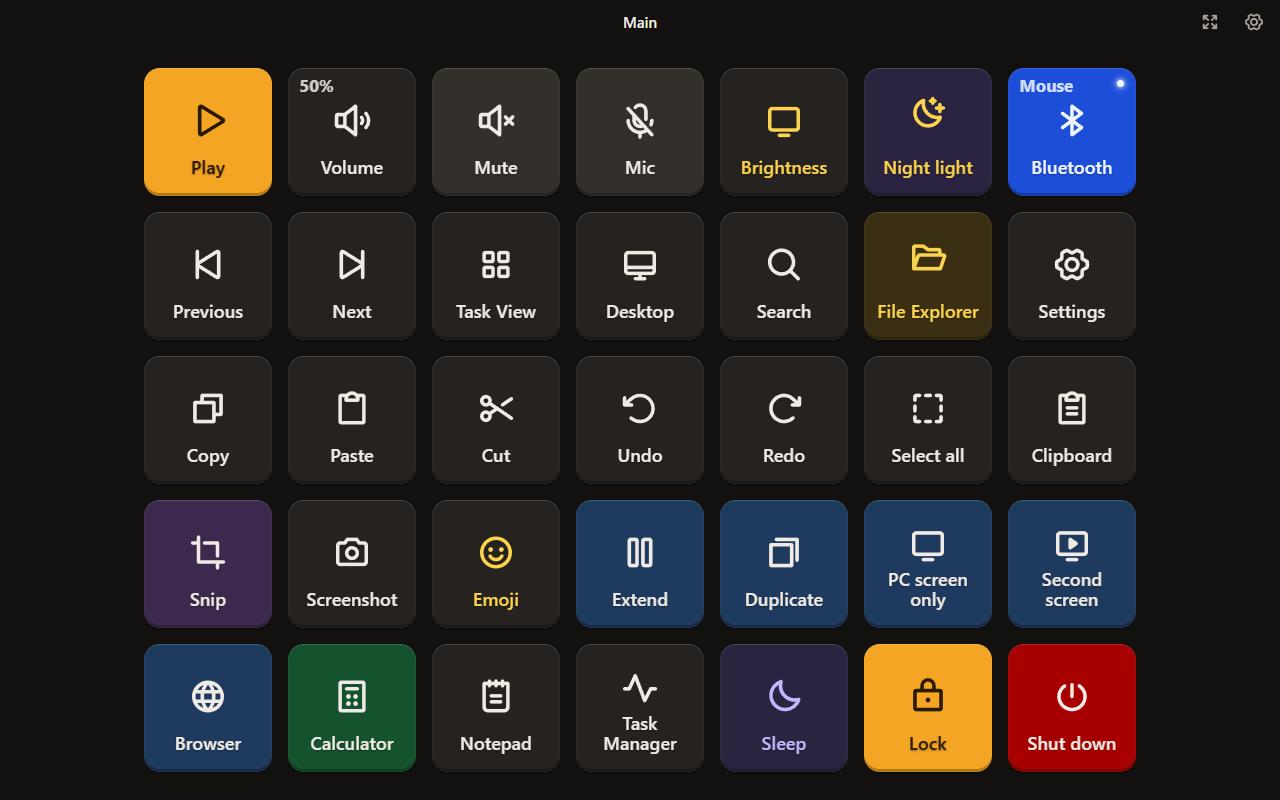
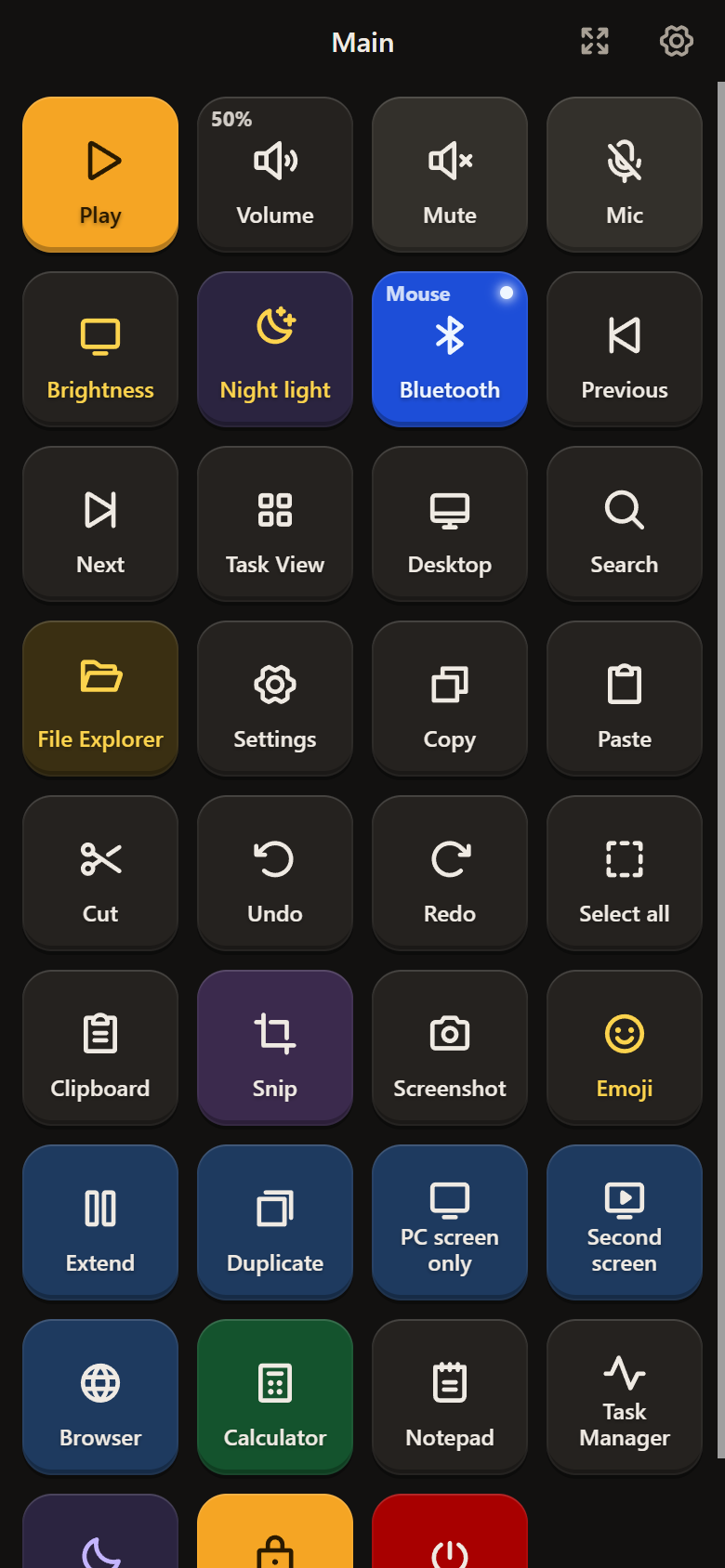
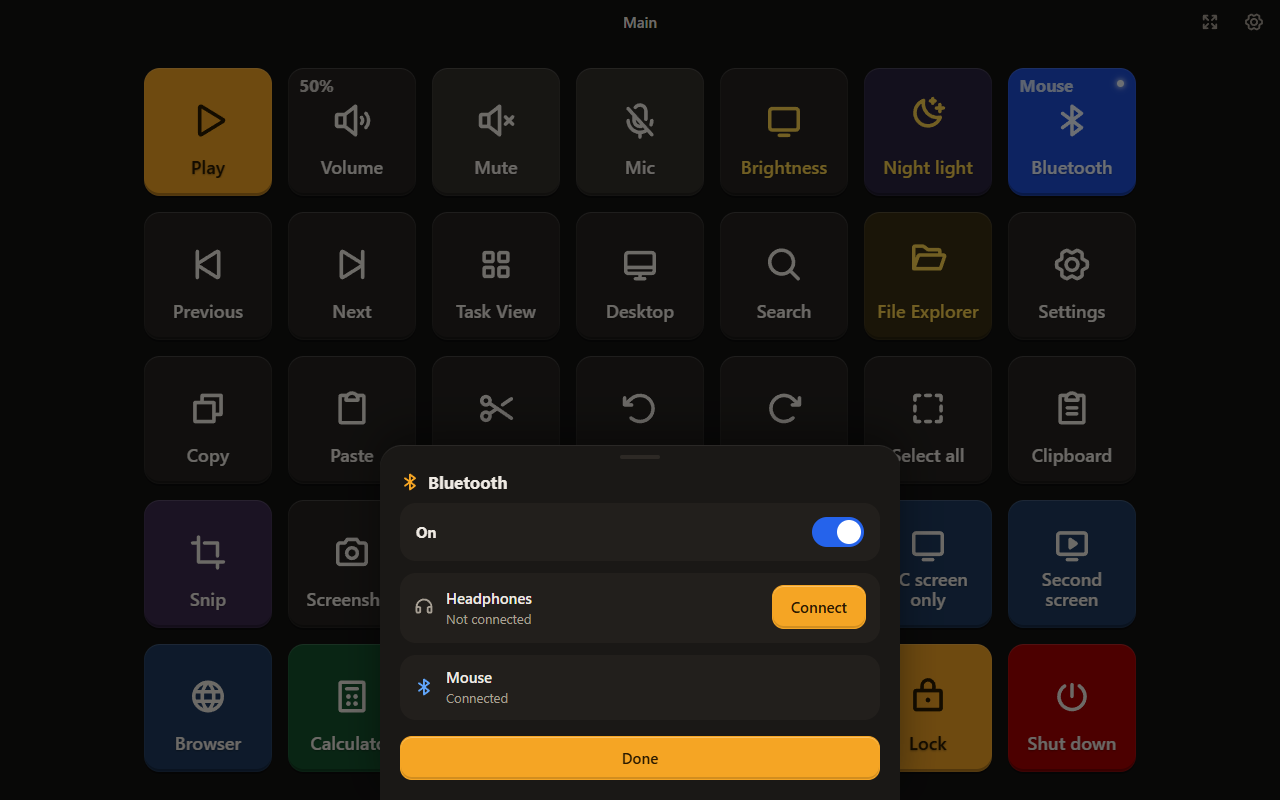
Ready in about two minutes.
Download and unzip
Get the zip from the latest release and unzip it anywhere, for example in Documents.
Open tabbydeck.exe
When Windows asks whether TabbyDeck may use the network, allow Private networks.
Scan the code
Point your phone's camera at the code TabbyDeck shows. The deck opens in Chrome on Android or Safari on iPhone and iPad.
Type six digits
The phone shows a code. Type it into TabbyDeck on the PC and choose Allow. Only devices you allow can use your deck.
Add it to your home screen and it opens full screen, from its own icon, like an app.
It stays in your home.
- Your phone talks straight to your PC over your own Wi-Fi.
- TabbyDeck never connects to the internet and sends no data anywhere. There is no account.
- Only devices you approve with a code can press your keys. Block or forget one at any time.
- The editor only listens on your own PC.
Give your PC a remote.
Free for good, under the Apache 2.0 licence. Works with Windows 10 and 11, Android 6 or newer in Chrome, and iPhone or iPad on iOS 13 or newer in Safari.
TabbyDeck apps for Android, iPhone and iPad. Until then, the deck runs in your phone's browser, with nothing to install.
Windows may say the app is from an unknown publisher, because it is not signed yet. Choose More info, then Run anyway.